Introducing Real-Time Discussions: Give Every Student a Voice
Our new discussion feature lets you run dynamic, threaded conversations during class. Here's how it works and why educators are calling it a game-changer.
ClassTempo Team
Product Updates
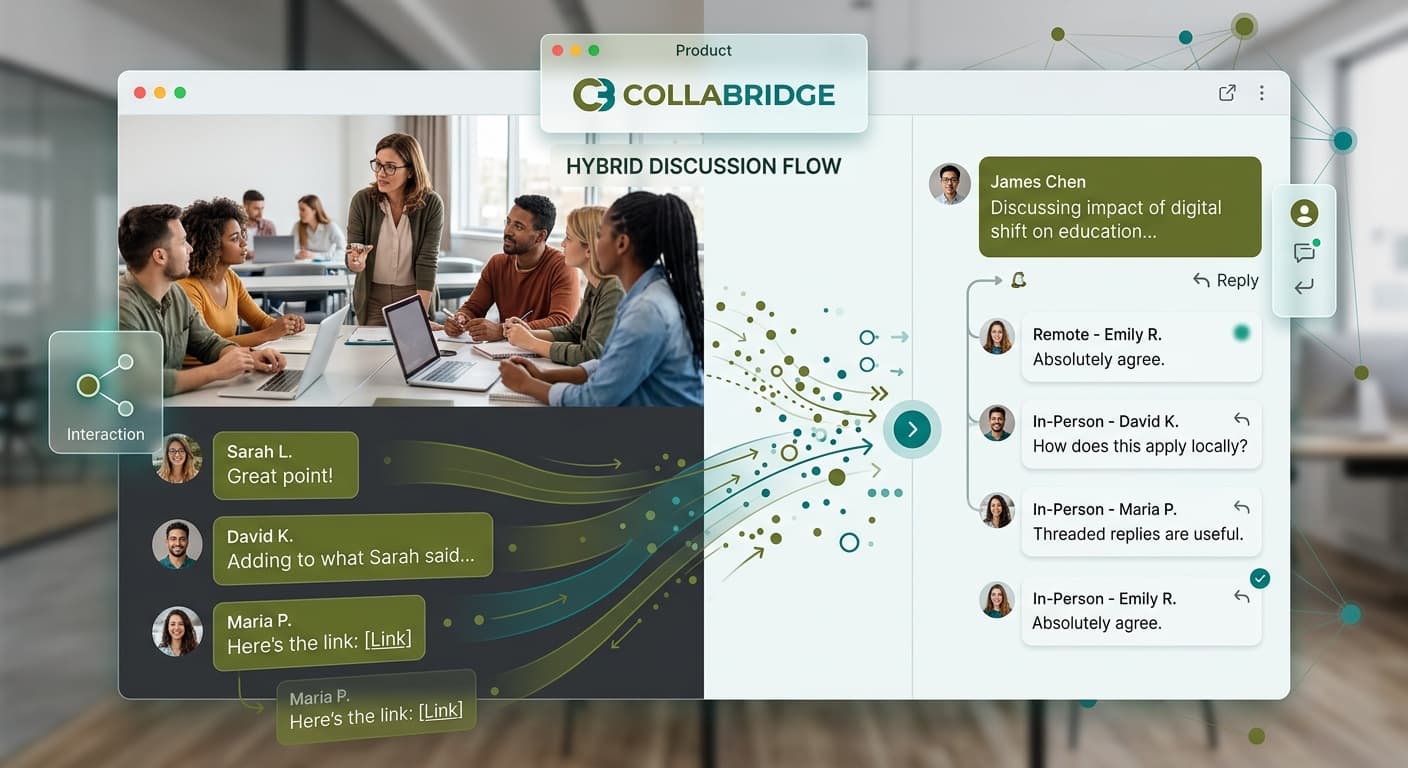
We're excited to announce the launch of Real-Time Discussions—a feature that transforms how students participate in classroom conversations.
The Problem with Traditional Discussions
Raise your hand if this sounds familiar: You ask a thought-provoking question, and the same three students respond every time. Meanwhile, the rest of the class stays silent—not because they don't have ideas, but because speaking up in front of peers feels risky.
Research shows that 70% of students have valuable contributions they never share in traditional classroom discussions. That's a lot of missed learning opportunities.
How Real-Time Discussions Changes Everything
With ClassTempo's new discussion feature, every student can contribute simultaneously. Here's what makes it different:
1. Anonymous Option
Students can choose to post anonymously, removing the social pressure that prevents many from participating. Teachers see who posted what, but classmates don't—unless the student chooses to share their identity.2. Threaded Replies
Unlike a simple poll, discussions support rich, nested conversations. Students can reply to each other's ideas, ask follow-up questions, and build on concepts together.3. Moderation Controls
You stay in control. Approve posts before they appear, highlight exceptional contributions, or let the conversation flow freely. It's your classroom, your rules.4. Export for Assessment
Every discussion is automatically saved and can be exported. Use it for participation grades, formative assessment, or identifying misconceptions.Early Results from Beta Testers
During our beta period, educators reported:
- 89% increase in student participation
- 4.2x more contributions from typically quiet students
- "Finally, real discussions" — the most common feedback
Getting Started
Real-Time Discussions is available now for all ClassTempo users. To create your first discussion:
1. Open any slide deck 2. Click "Add Activity" 3. Select "Discussion" 4. Add your prompt and choose your settings 5. Launch and watch the conversation unfold
What Educators Are Saying
"I've been teaching for 15 years, and this is the first time I've heard from every student in a single class period." — High School English Teacher
"The anonymous feature was a breakthrough for my ESL students. They finally feel comfortable contributing." — Middle School Teacher
Ready to transform your classroom discussions? Log in to ClassTempo and try it today.